Outward

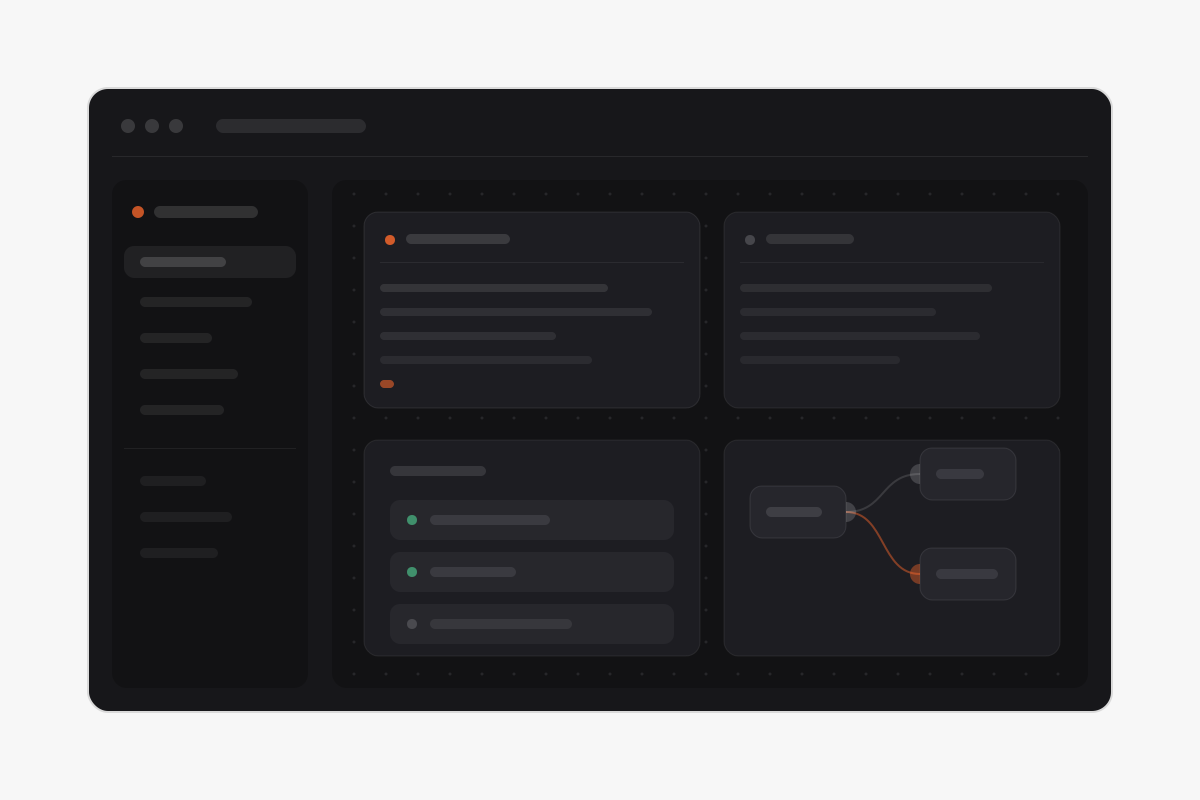
A project lives in a dozen places at once—terminals you keep alive, architecture you carry in your head, notes you meant to write down, files you dropped somewhere. Outward puts all of it in one native macOS window: live terminals, a service dashboard, a node-graph stack canvas, an assets board, and a notebook—organized per project, kept local and private. Built in SwiftUI and AppKit rather than an Electron shell, with a calm surface that stays quiet while you work.

One window per project

Each workspace is a project, and its tabs are the tools you act in—overview, terminals, services, stack, notebook—alongside a library of files, bookmarks, env vars, and integrations. A command palette jumps anywhere in a keystroke, so the app never asks you to go hunting for the thing you already know the name of.

A neutral diagram showing terminal cards arranged on a dark project canvas with one terminal detached into its own window.

Terminals that outlive the app

Real sessions on a tmux server—quit and the scrollback is still there.

A neutral diagram showing a node graph of services connected by wires, with half-moon ports on each node.

The whole stack on one canvas

Wire the services you actually run—and open any of them from the canvas.